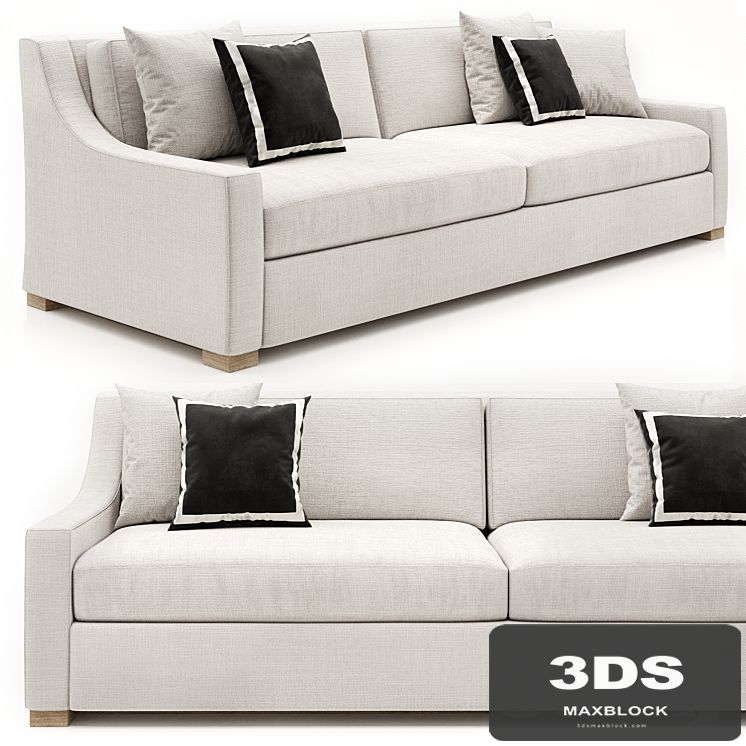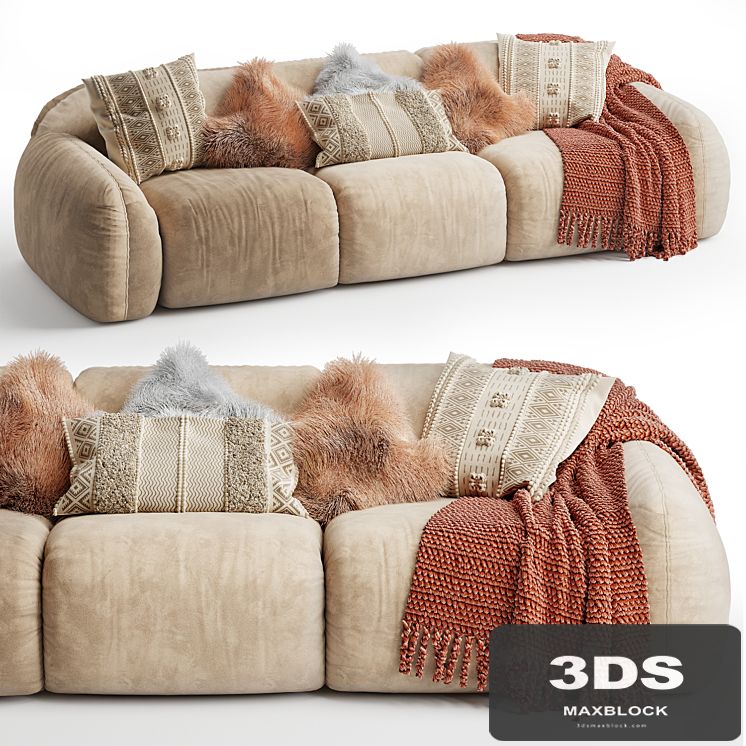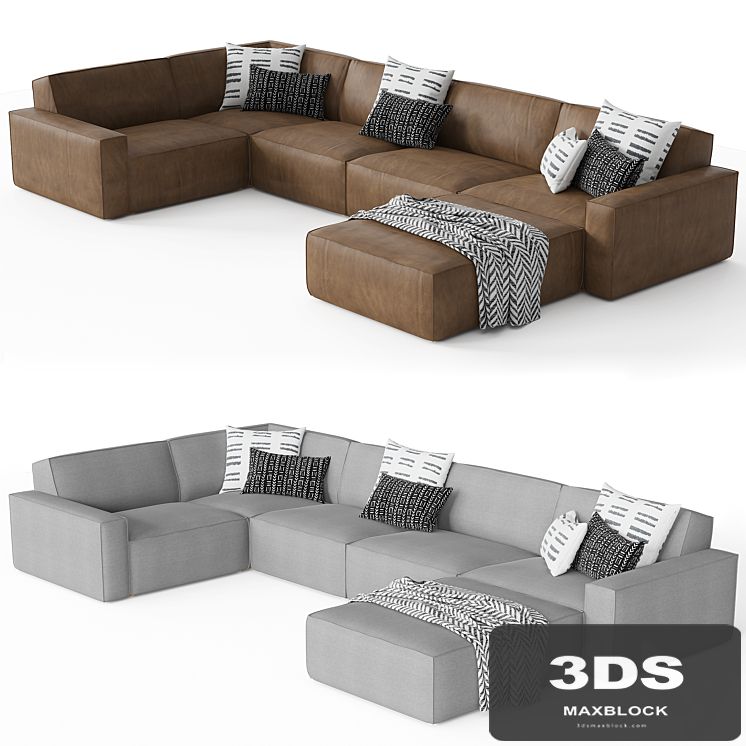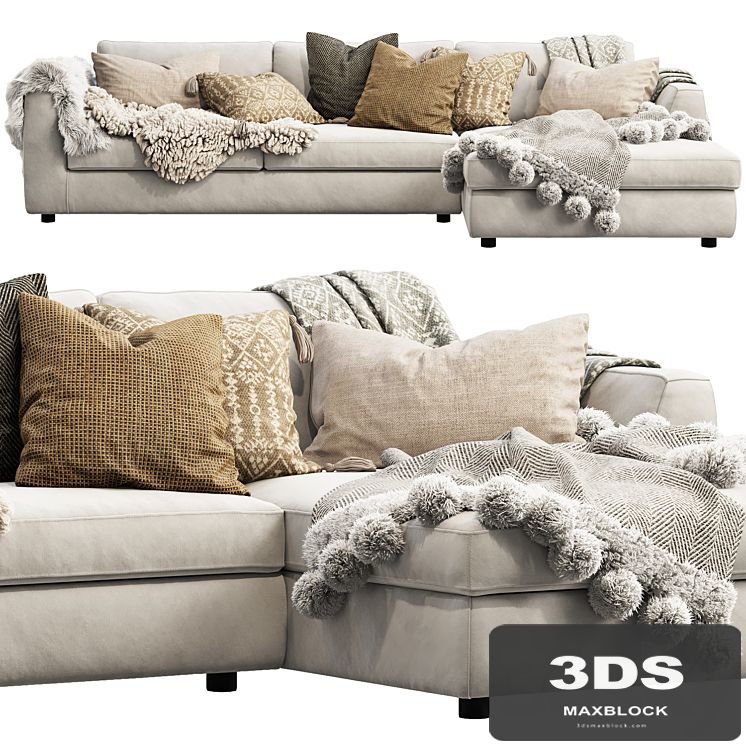
EQ3 Cello Sectional Sofa
0 views
Specifications
Description
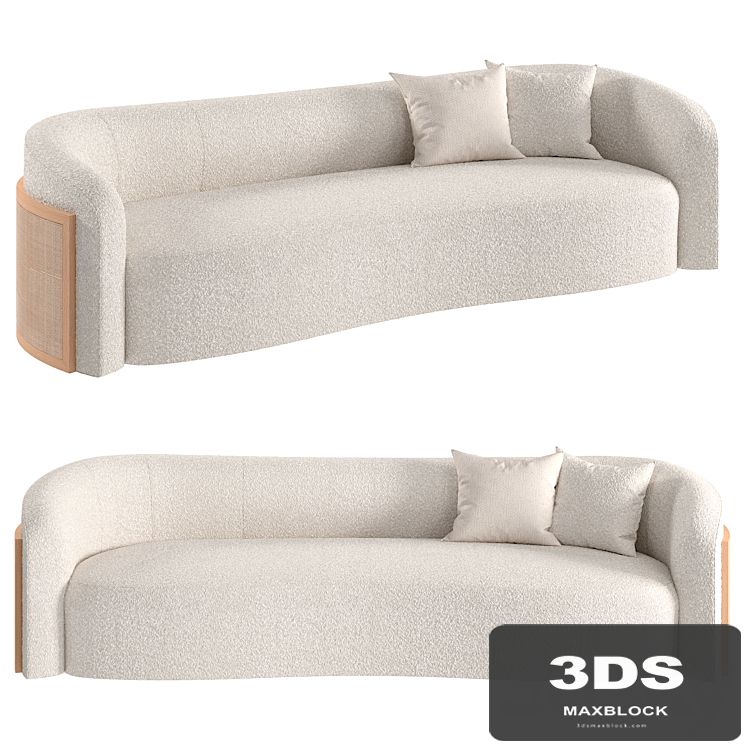
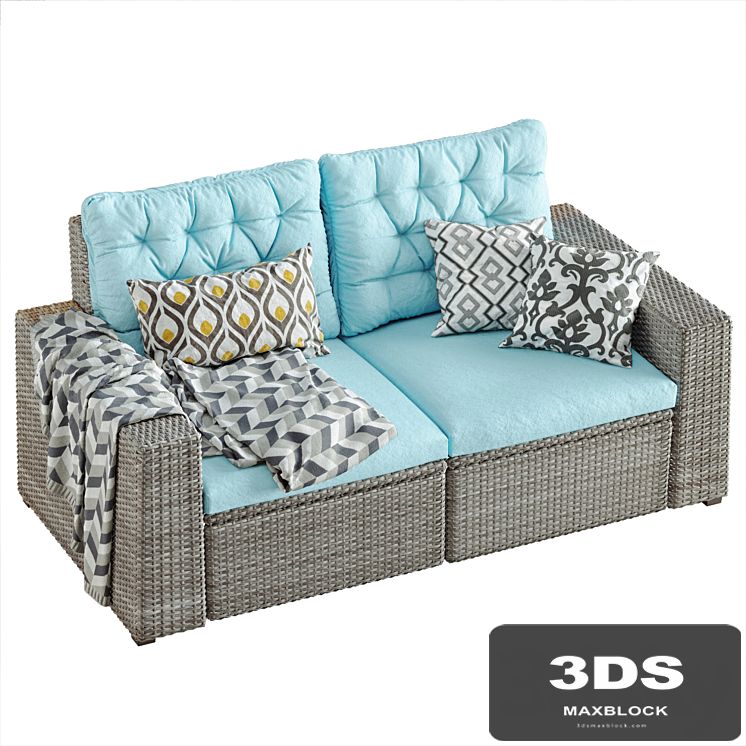
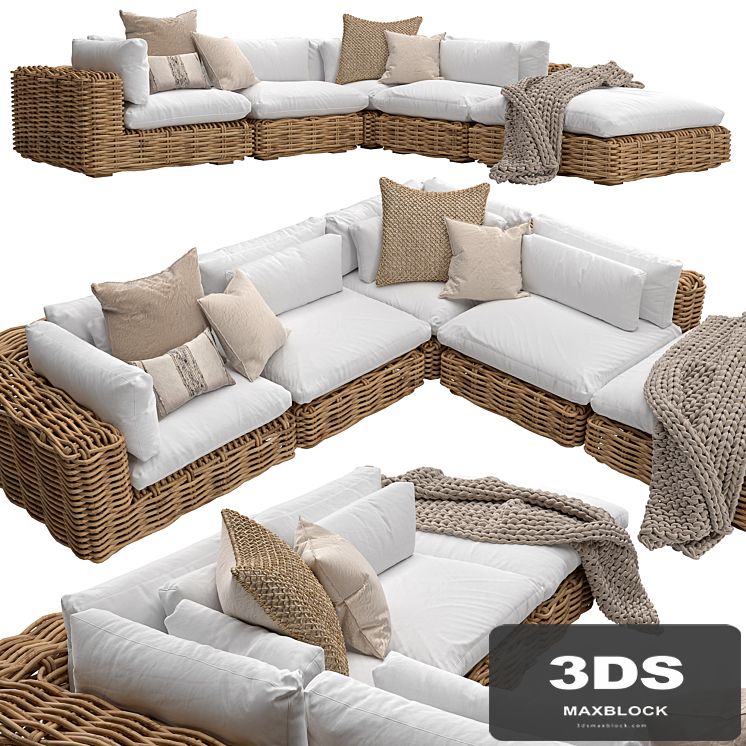
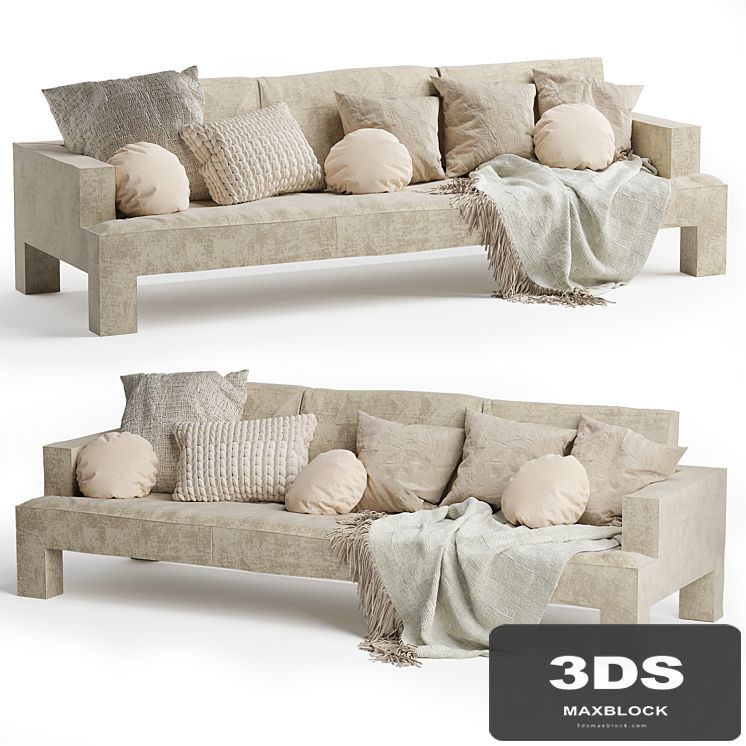
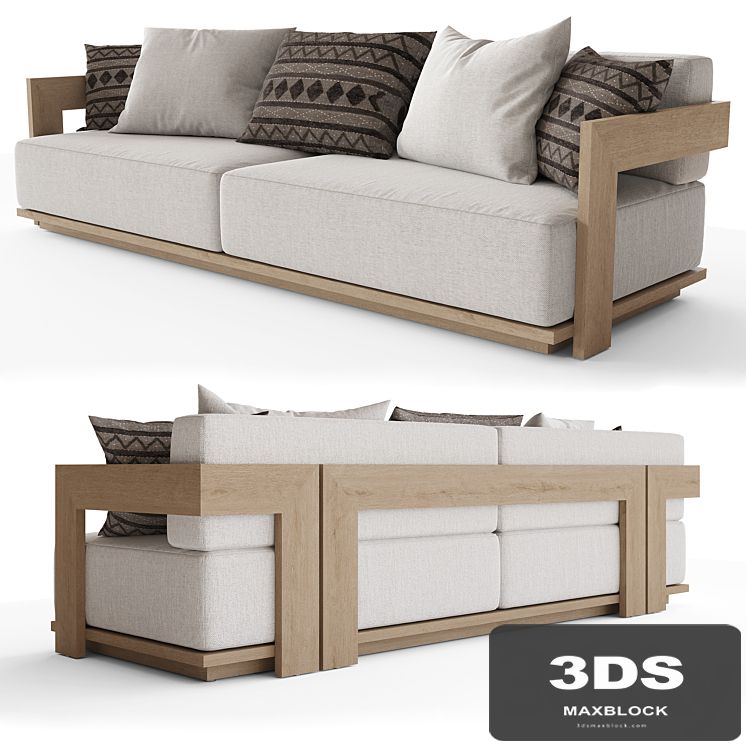
Cello sectional sofa Fabric sofa with a cape with pillows and fur rugs The fur is made using Hair and Fur To display correctly: System Units Setup - Millimeters Rendering> Effects> Hair and Fur> Hair> mr prim Dimensions: 3150 x 1660 x 760 mm; To reflect the fur along the axes: 1. Open the model group and select a skin; 2. In the "Hair and Fur" modifier, in the "Tools" tab, select "Guides -> Splines"; 3. Wait for the end of the operation to create splines, on the basis of which the fur of your reflected model will be built; 4. Add the created splines to the general group of the model, close the group and reflect the model along the desired axis; 5. Ungroup, do X-FORM of all elements of the model; 6. Select the skin, in the modifier "Hair and Fur" in the tab "Tools" select "Recomb From Splines"; 7. After clicking on the previously created splines. As a result, the fur will be recalculated based on your splines; 8. Delete splines and close the model group. polys: 747.167; verts: 766,219. https://urbane.ca/products/cello-2-piece-sectional?_pos=12&_sid=c442de470&_ss=r
Similar 3D Models