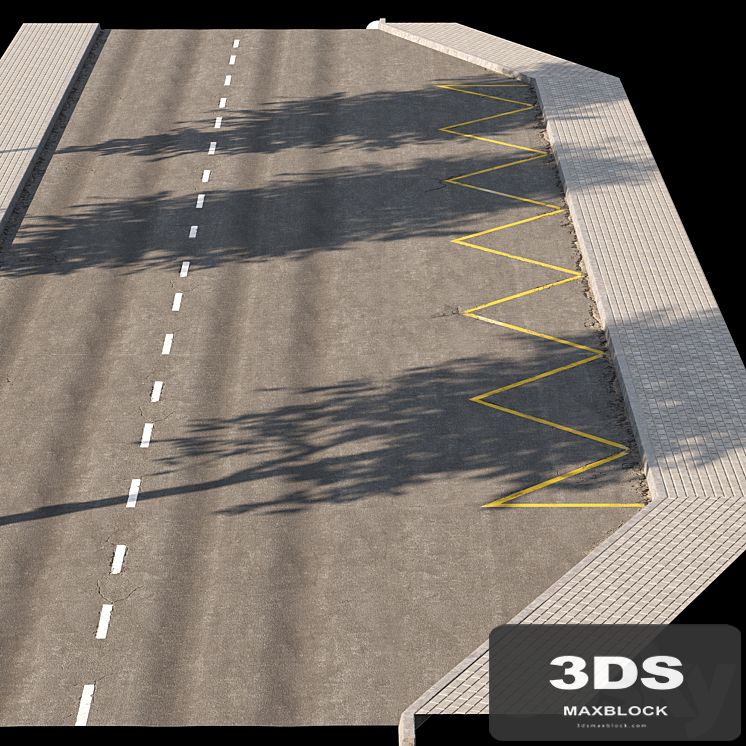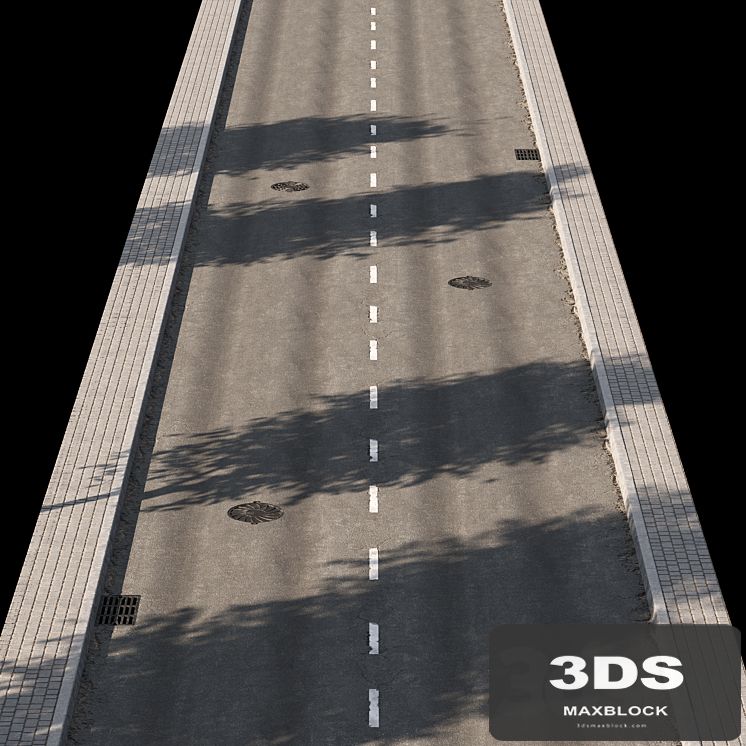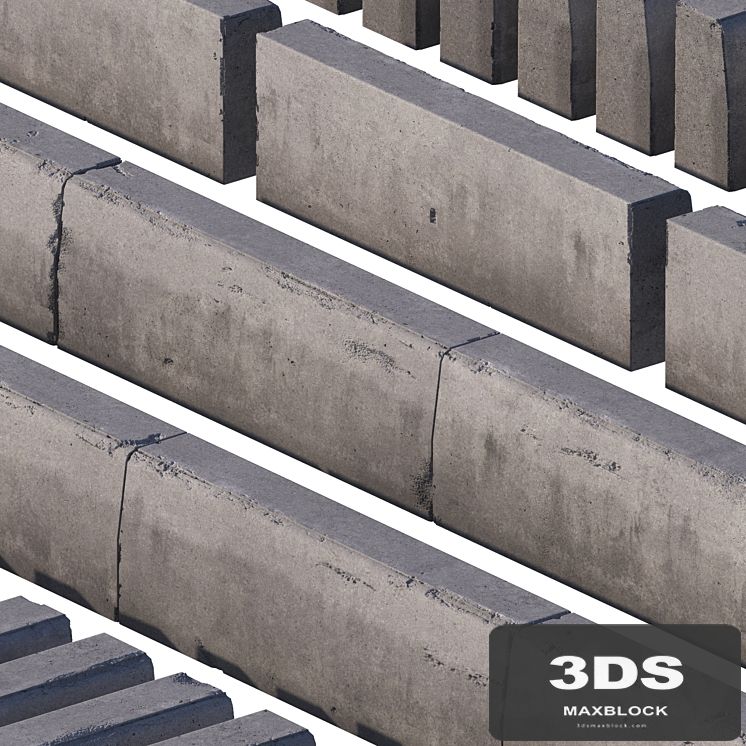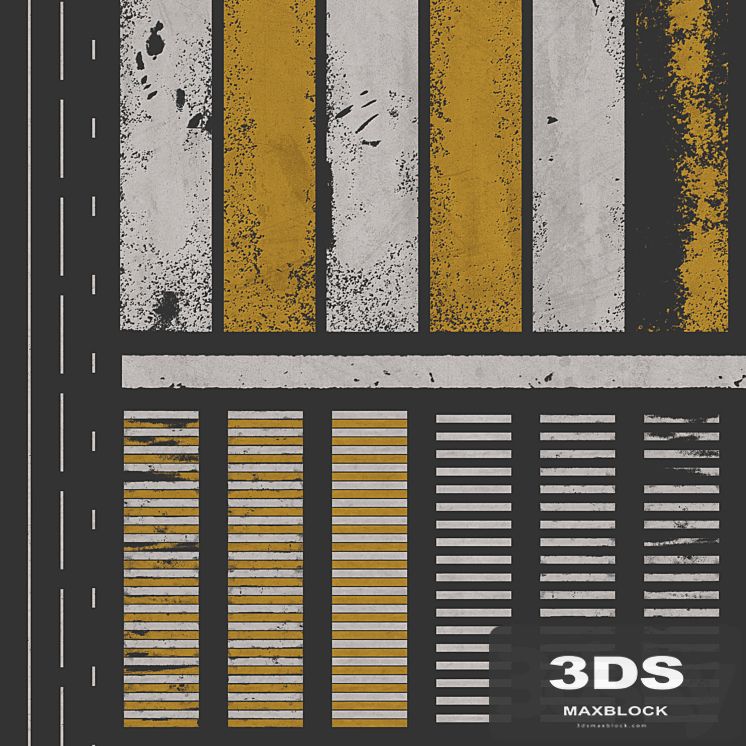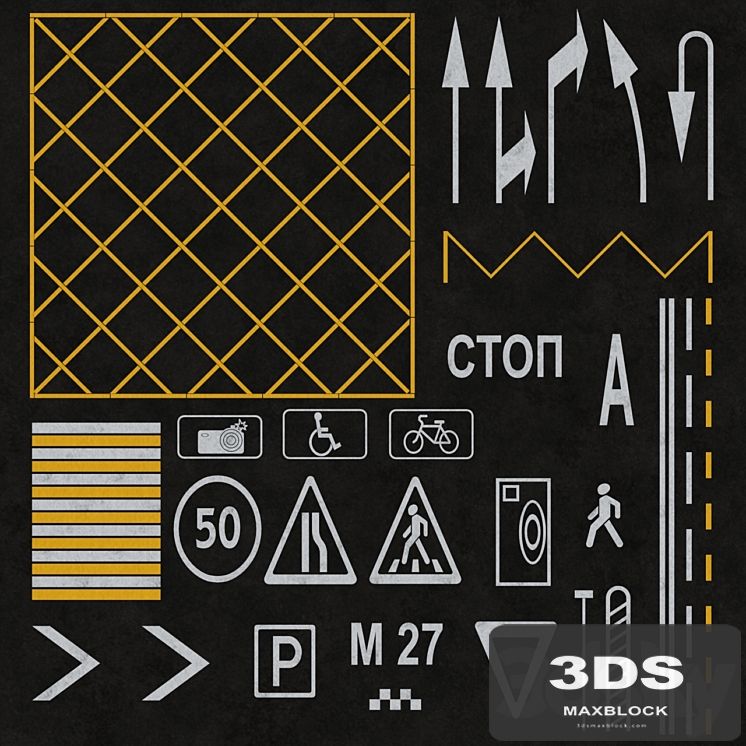
road markings
0 views
Specifications
Description
The model consists of geometry configured through the Corona Distance map. With this map, the geometry serves as containers for projecting the second material (paint) onto the base material (asphalt). Screenshots 3 and 4 describe how to add new geometry for the map to work properly. Option 1: copy, multiply the geometry and attach to an existing one. Option 2: On the new geometry, press the right mouse button, select Object Properties and uncheck Renderable. If this is not done, the geometry will be rendered. Then choose a new geometry and add white or yellow paint to the maps. You need to click on the selected card and click the plus sign in the field as in picture 4. For those who do not want to use Corona Distance. You can create your own regular material, turn on the Renderable checkbox, raise the geometry above your road and render like that.