About this model
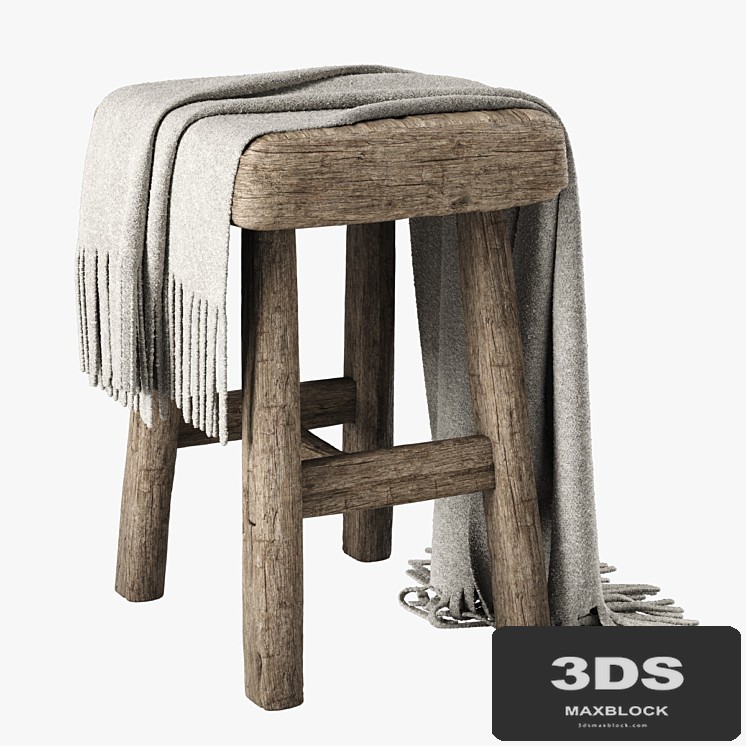
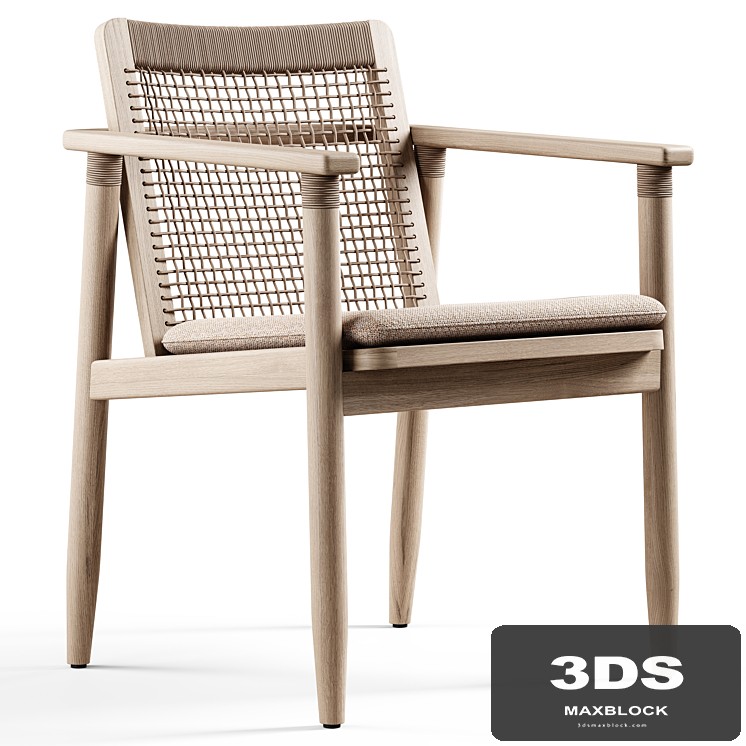
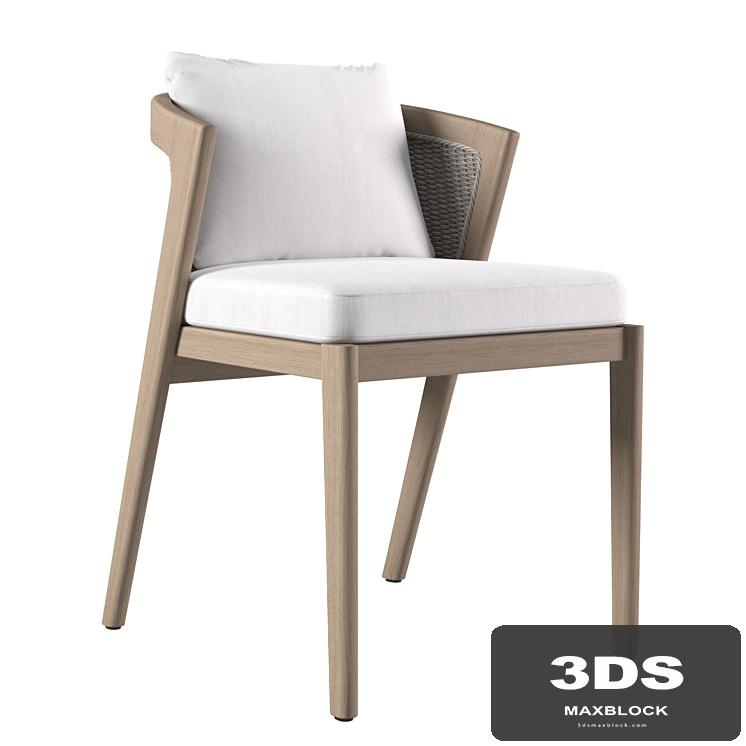
Presenting the Joybird Rayne Dining Chair, available in two options, featuring an Ethnic style crafted from wood. Its distinctive look incorporates elements like wicker, rope, or sisal, offered in colors including black, gold, and tan shades. This model is ideal for adding character to architectural visualization projects or detailed interior renderings.
Description
Joybird Rayne Dining Chair 2 options
Wooden chair with wicker seat
https://joybird.com/dining-chairs/rayne-chair/
Dimensions: 565 x 520 x 775 mm;
polys: 175.078;
verts: 244.654.
Fur made with Hair and Fur
For correct display: System Units Setup - Millimeters
vray: Rendering> Effects> Hair and Fur> Hair> mr prim
corona: Rendering> Effects> Hair and Fur> Hair> geometry
To mirror fur along the axes:
1. Open the model group and select the skin;
2. In the "Hair and Fur" modifier in the "Tools" tab, select "Guides -> Splines";
3. Wait until the end of the operation to create splines, on the basis of which the fur of your reflected model will be built;
4. Add the created splines to the general group of the model, close the group and reflect the model along the desired axis;
5. Ungroup, make X-FORM of all elements of the model;
6. Select the skin, in the "Hair and Fur" modifier in the "Tools" tab, select "Recomb From Splines";
7. Then click on the previously created splines. As a result, the fur will be recalculated based on your splines;
8. Remove splines and close the model group.