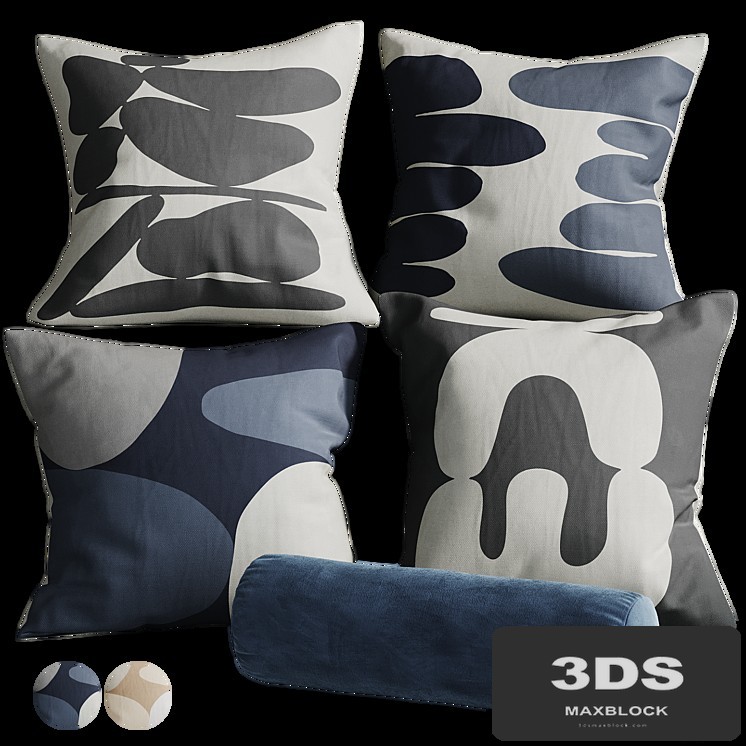
About this model
This modern fur pillow set, crafted with fabric and fur materials, offers a cozy, fluffy accent. Available in neutral colors like grey, black, and beige, its soft texture is perfect for enhancing contemporary living room interiors or Scandinavian chalet scenes. Use this decorative throw to add warmth and comfort to your architectural visualizations.
Description
Fur pillow set 4 Set of decorative fur pillows of 8 pieces Dimensions: 530 x 480 x 290 mm; polys: 8330; verts: 8468. The fur is made with Hair and Fur. Turn on the Hair and Fur modifier to display fur For correct display: System Units Setup - Millimeters vray: Rendering > Effects > Hair and Fur > Hair > mr prim corona: Rendering > Effects > Hair and Fur > Hair > geometry To reflect fur along the axes: 1. Open the model group and select the skin; 2. In the "Hair and Fur" modifier, in the "Tools" tab, select "Guides -> Splines"; 3. Wait for the end of the operation to create splines, on the basis of which the fur of your reflected model will be built; 4. Created splines add to the general group of the model, close the group and reflect the model along the desired axis; 5. Ungroup, make X-FORM of all elements of the model; 6. Select the skin, in the "Hair and Fur" modifier in the "Tools" tab, select "Recomb From Splines"; 7. After click on the previously created splines. As a result, the fur will be recalculated based on your splines; 8. Delete splines and close the model group.